
Each module explained.
The base comes with every organisation. Everything else is a module you choose – and can switch off again; nothing stored is lost. Each page says what the module does, who uses it and how it works.

The base
One private place for the members of your organisation: notices, events, group chats, documents and help.

Committee office
Everything an incorporated association has to run and keep: meetings, minutes, decisions, records, deadlines and reports – with the desk view for the office holders.
Member votes
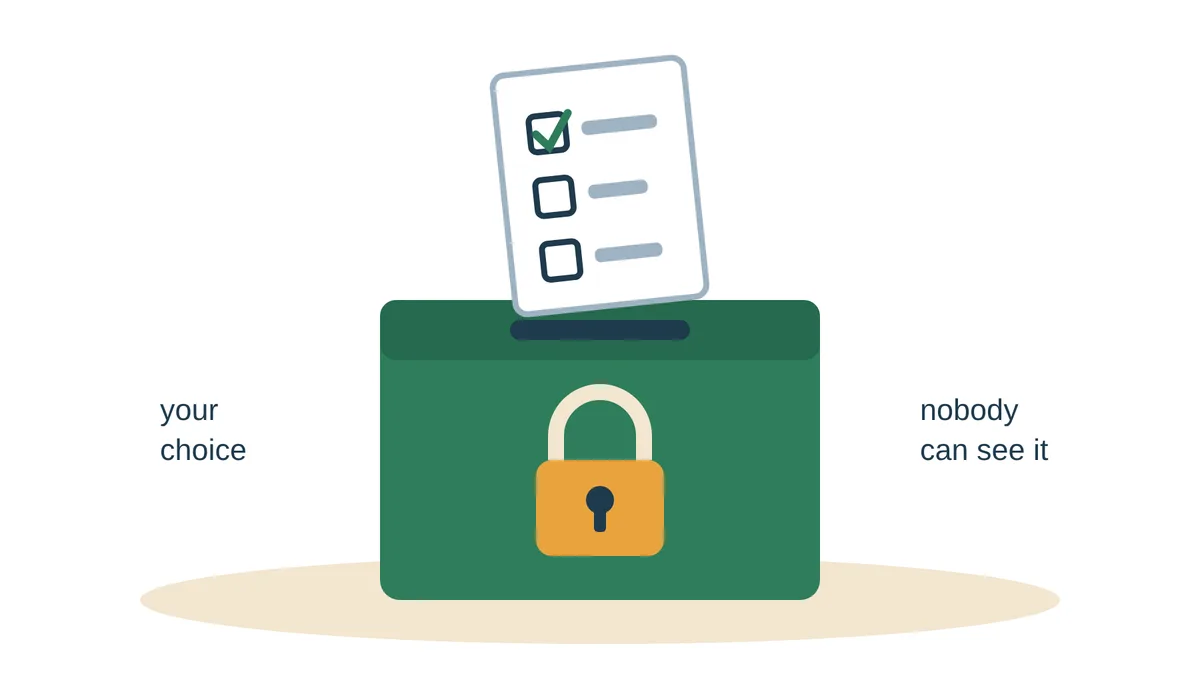
Online votes for members and for the committee, with secret ballots where your rules call for them.
Money
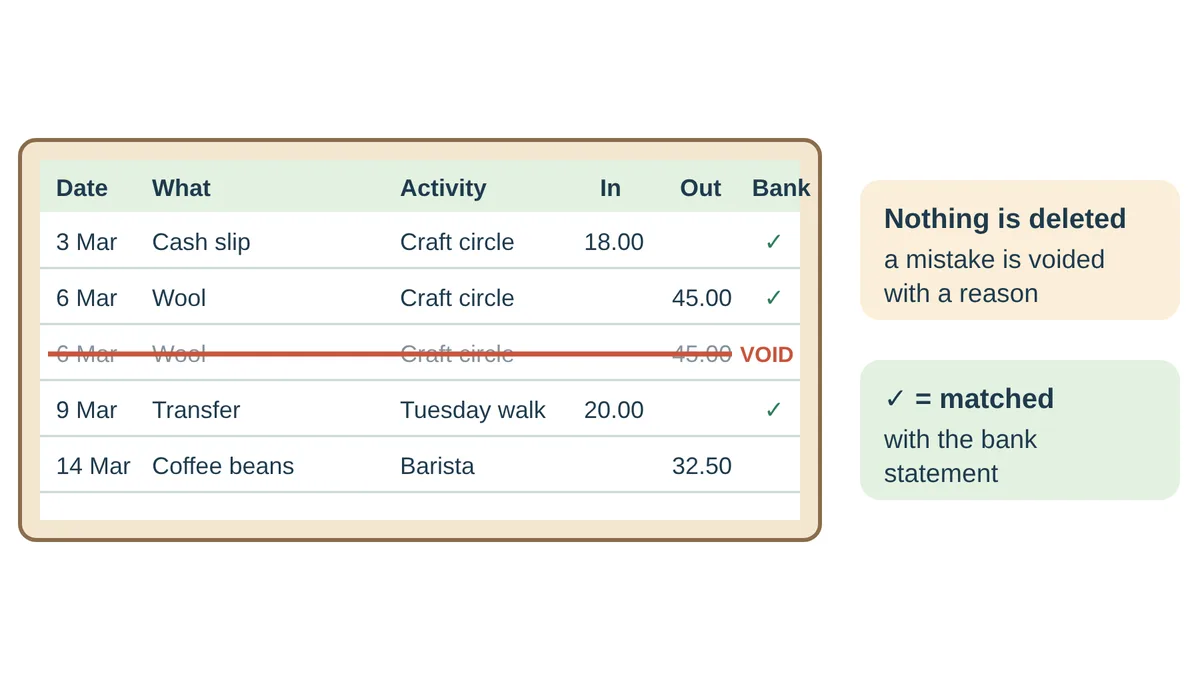
A simple cash book for the treasurer: income, payments the committee authorises, the bank statement matched, and a year statement for the AGM.
AI secretary
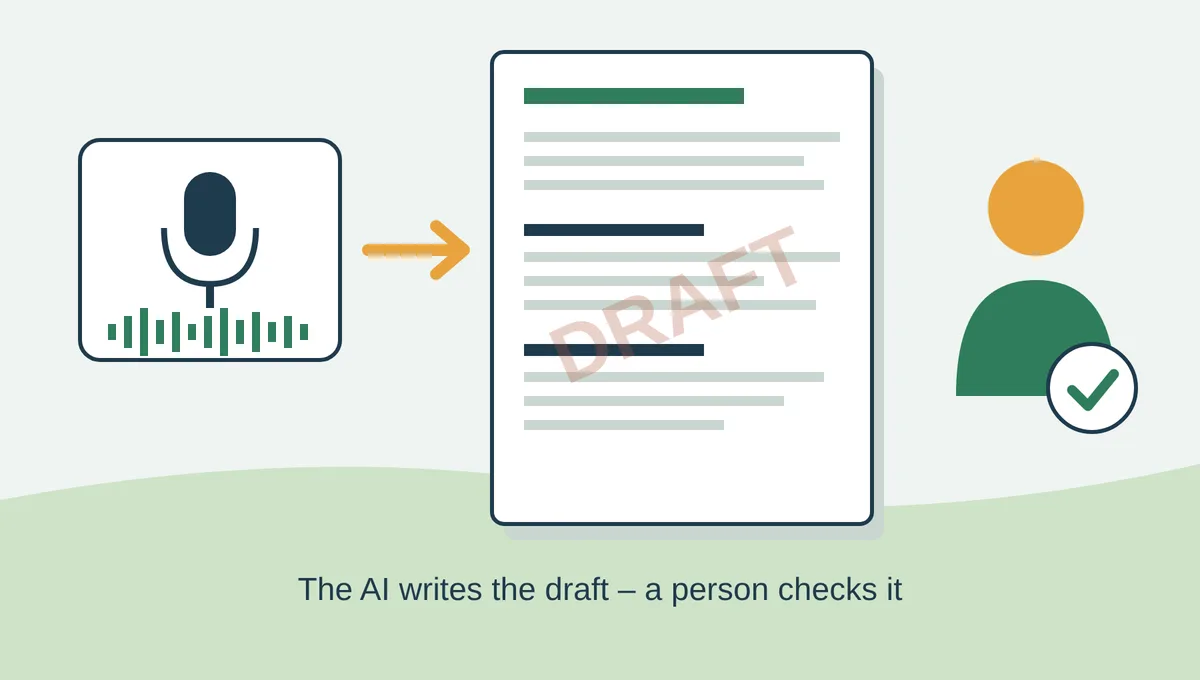
First drafts for the office holders – minutes, agendas, replies, letters, reports, presentations and handouts. A person checks every draft.

Committee email
Email addresses that belong to the office, not the person – chair@, secretary@, treasurer@ – so the mailbox stays when the office holder changes.
Sub-committees
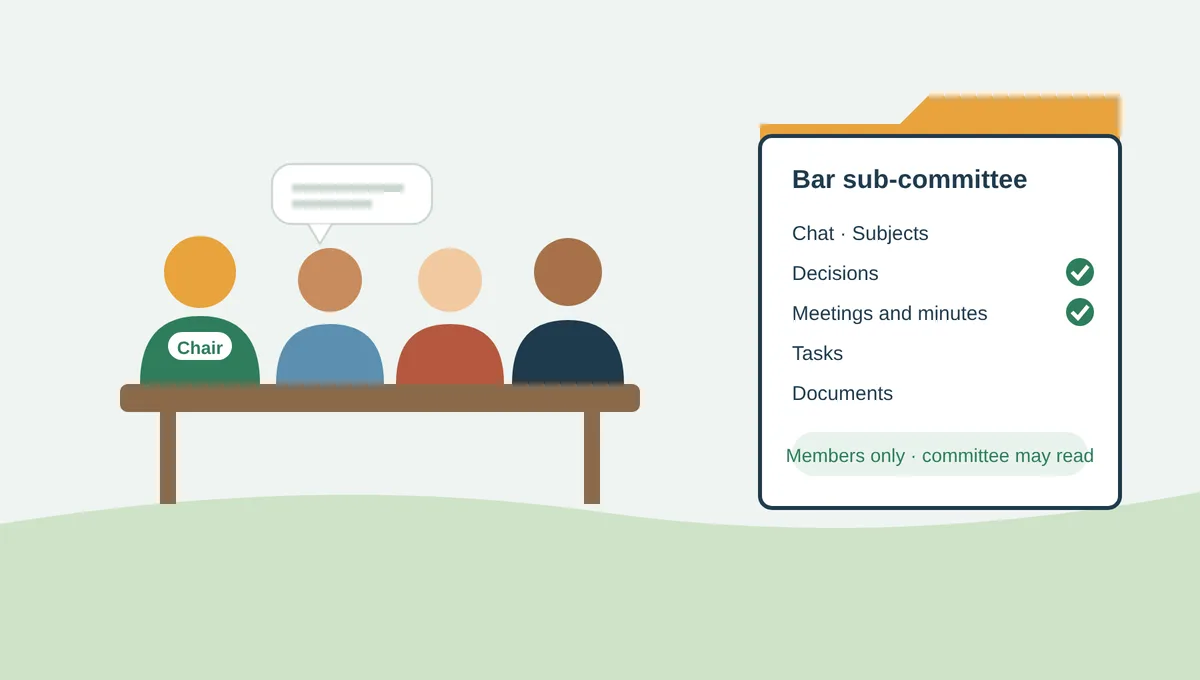
Working groups with their own chair, chat, subjects, decisions, meetings, tasks and documents – reporting to the committee.
Fundraising campaigns
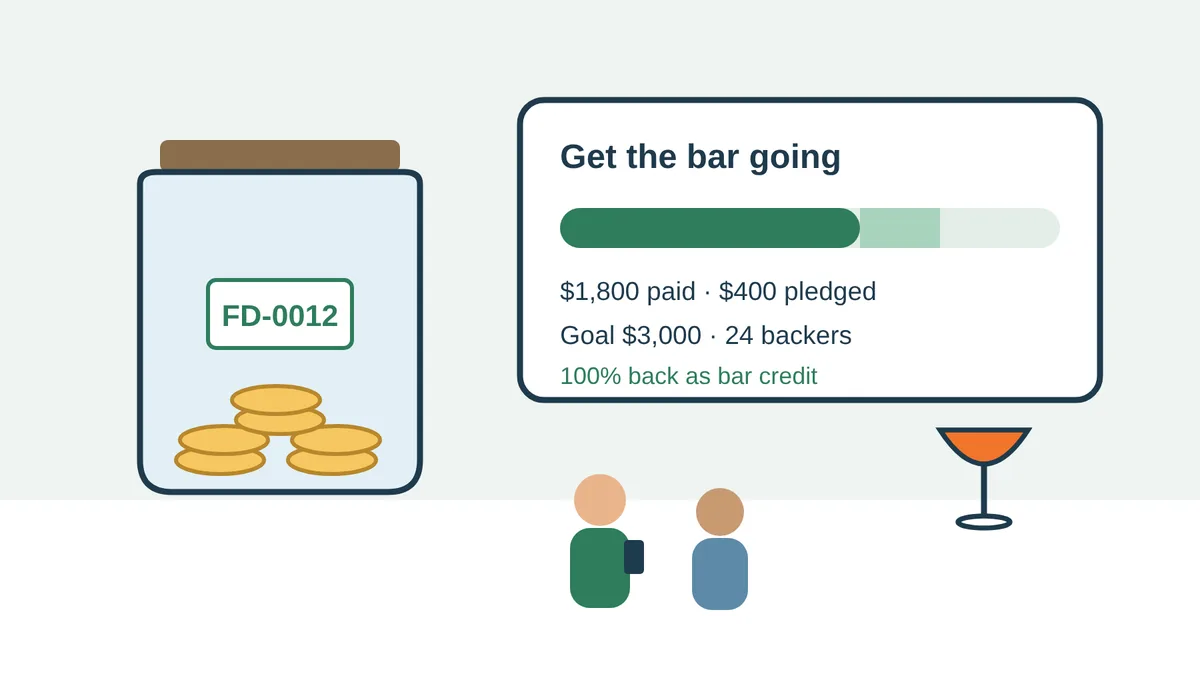
Campaigns for a project, with a goal, pledges and progress members and supporters can follow.

Ask IncComms
Members ask how something works in their own words. The answer comes only from the help, the guides and your organisation’s own information.